We've made in-product support more easily discoverable for applicants by adding a clear 'Help' icon present across all screens in the Konfir applicant journey. When clicked, this icon launches our support widget, where applicants can chat to support or browse help center articles. This helps us deliver support more clearly at the point of need, improving verification conversion and improving the applicant experience.
We've added a support widget directly into Konsole. Verifiers can now ask questions, learn about Konfir's capabilities, and speak to a member of our support team without leaving the Konsole.
We've improved the reliability of bank connections for applicants using Safari Private Browsing. Previously a small number of applicants could connect their bank but remain on the connecting screen, meaning their results weren't sent to the verifier. Connections now complete and move the applicant on as expected.
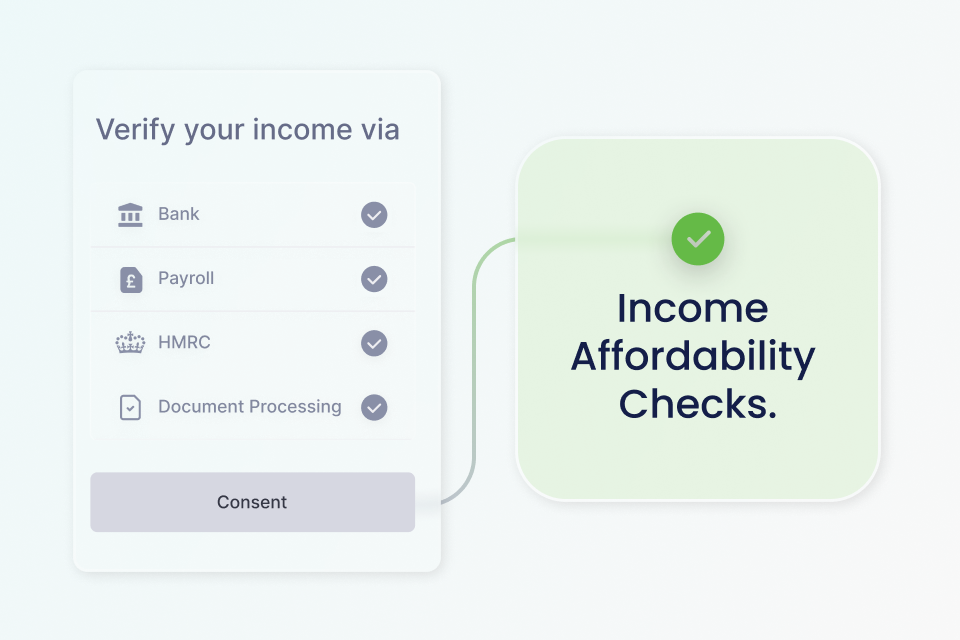
You can now assess whether an applicant’s verified annual income meets a required minimum income threshold using Konfir’s Income Affordability Checks. When enabled and requested with the Affordability object including in your Create Verification request, Konfir evaluates verified income from sources including Open Banking, Payroll and HMRC and returns a clear affordability assessment via the GET Affordability endpoint. To learn more about Affordability Checks and how to enable them for your organisation, please contact product@konfir.com.
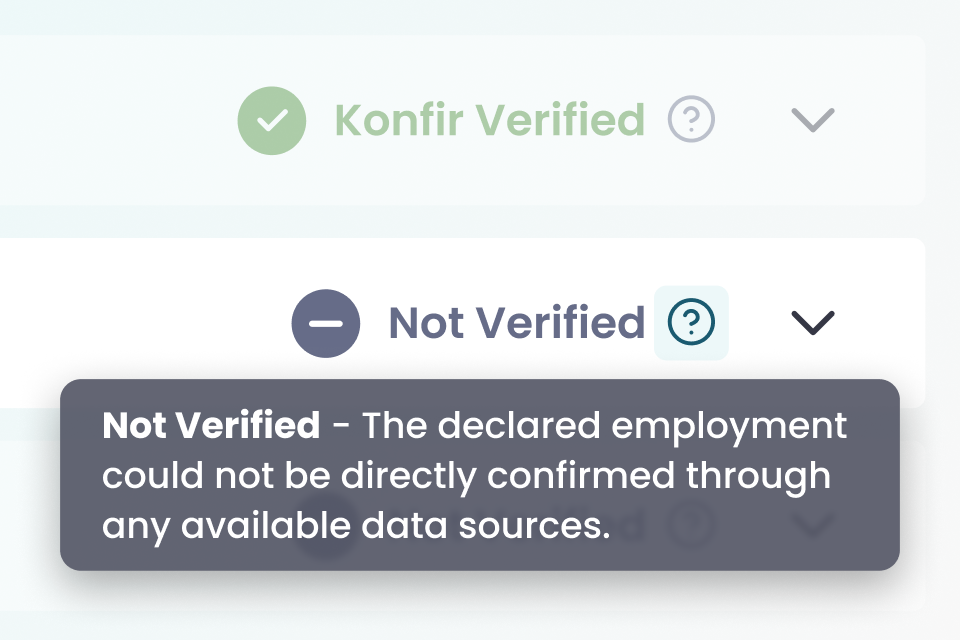
The activity status previously shown as Not connected has been updated to Not verified, with clearer explanations in Konsole to help verifiers understand what the status means and what action to take.
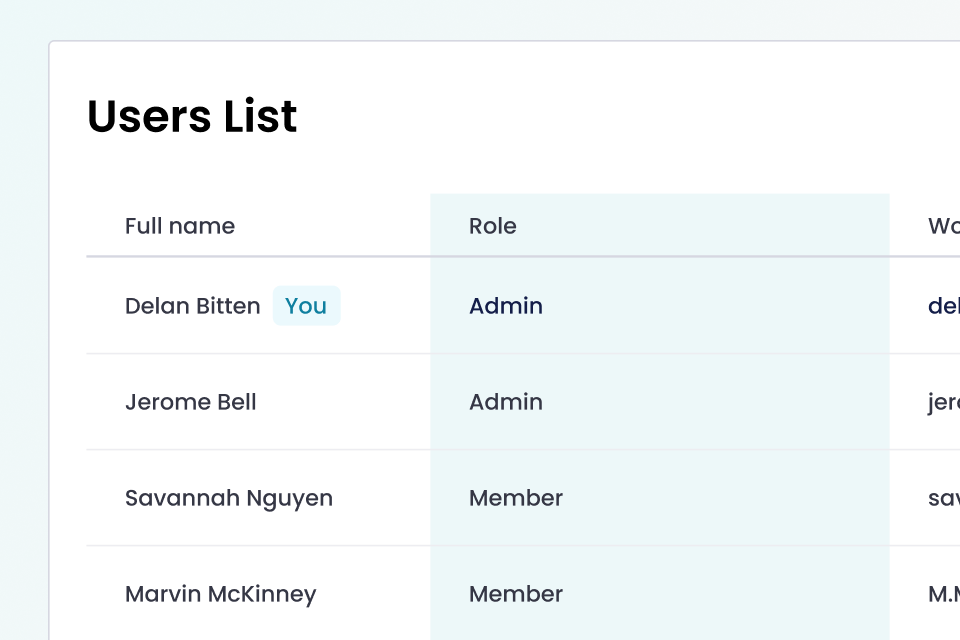
The Konsole user list now includes a Role column, making it clear whether users are admins, verifiers, or pending access.
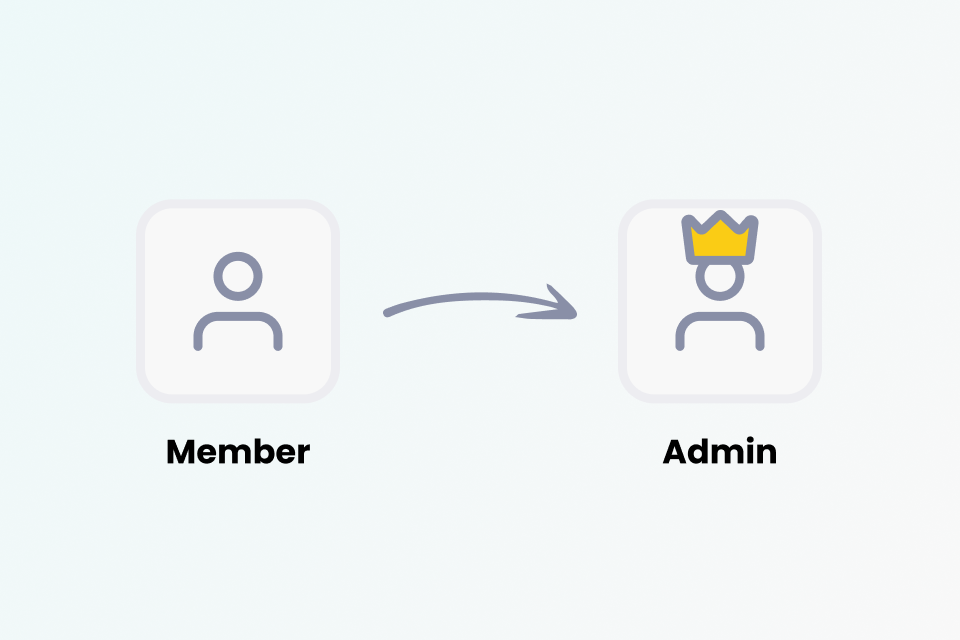
Admins can now promote existing users to admin directly from the Konsole user list, making it easier to manage access and permissions.
Admins can now set the SMS sender name for their organisation, so applicants receive SMS notifications from a recognisable name. If not set, it defaults to Konfir. The sender name supports up to 11 characters.
Users who require admin approval can now see the email address of their organisation’s admin on the approval screen, making it easier to follow up if needed.
Admins can now customise the applicant journey directly in Konsole, applying their organisation’s branding for a more consistent and recognisable experience. This includes the logo, theme and content that applicants will see when completing the journey.
We've added a number of new, and improved existing, product personas. These personas have been built to allow testing of different features within the platform and provides you with multiple possibilities in terms of what data can be returned by our employment and income verification process.
The interface now automatically adjusts font colours when contrast is too low, ensuring text remains clear and readable in all configurations.
We’ve refreshed the sign up process with clearer guidance, improved validation, and a smoother flow from account creation to getting started, making it easier to join and get set up.
You can now see self employment listed as its own activity type. Activities declared as self employed or self employment will be automatically categorised accordingly.
Employment activities with an employer name matching common self employment terms are now automatically treated as self employment.
A new insight highlights short periods where no income was received, helping to identify gaps between activities more clearly.
Applicants who were interrupted by HMRC downtime will now receive an email once the service is available again, with a link to resume their verification.
Applicants will now see a clear message if HMRC is undergoing scheduled maintenance. Where other data sources are available they can continue with those, and where HMRC is the only option they will be informed that they cannot proceed at this time.
Clients can now display their own branding on redirect pages during applicant verifications, creating a more consistent and trusted experience.
Our previous employer search functionality required exact matches for employer names, which can be frustrating for users who might not know the exact spelling or name variations. To address this, we've added fuzzy matching and improved response ranking to improve search accuracy and searchability accommodating spelling errors and variations in terminology.