We've made in-product support more easily discoverable for applicants by adding a clear 'Help' icon present across all screens in the Konfir applicant journey. When clicked, this icon launches our support widget, where applicants can chat to support or browse help center articles. This helps us deliver support more clearly at the point of need, improving verification conversion and improving the applicant experience.
We've added a support widget directly into Konsole. Verifiers can now ask questions, learn about Konfir's capabilities, and speak to a member of our support team without leaving the Konsole.
We've improved the reliability of bank connections for applicants using Safari Private Browsing. Previously a small number of applicants could connect their bank but remain on the connecting screen, meaning their results weren't sent to the verifier. Connections now complete and move the applicant on as expected.
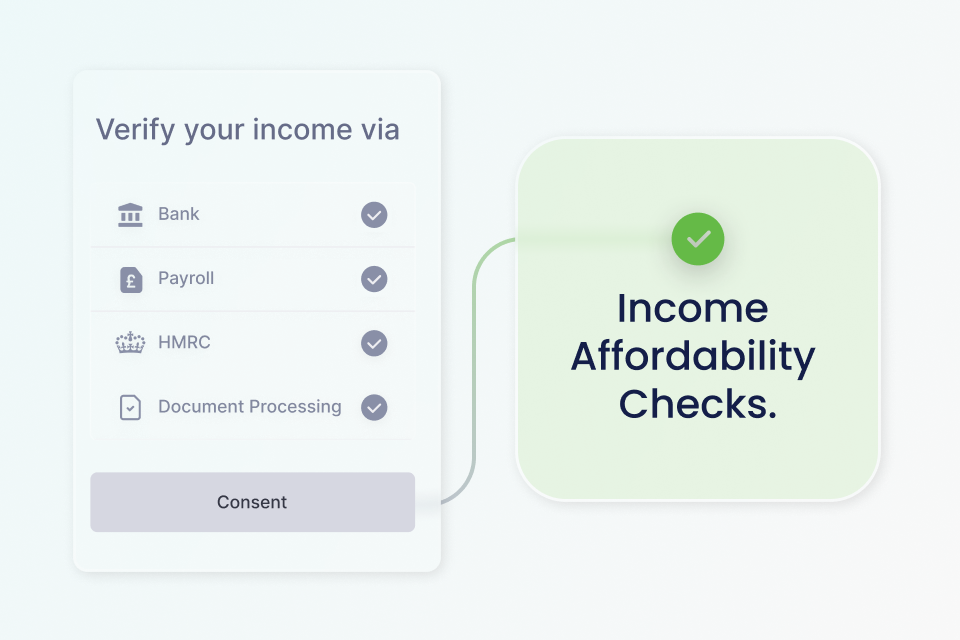
You can now assess whether an applicant’s verified annual income meets a required minimum income threshold using Konfir’s Income Affordability Checks. When enabled and requested with the Affordability object including in your Create Verification request, Konfir evaluates verified income from sources including Open Banking, Payroll and HMRC and returns a clear affordability assessment via the GET Affordability endpoint. To learn more about Affordability Checks and how to enable them for your organisation, please contact product@konfir.com.
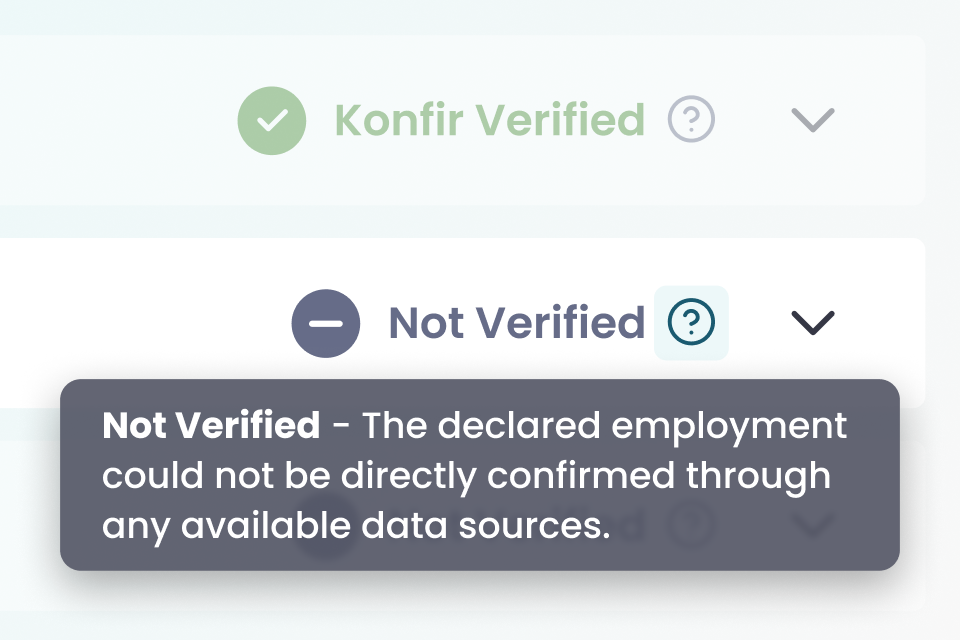
The activity status previously shown as Not connected has been updated to Not verified, with clearer explanations in Konsole to help verifiers understand what the status means and what action to take.
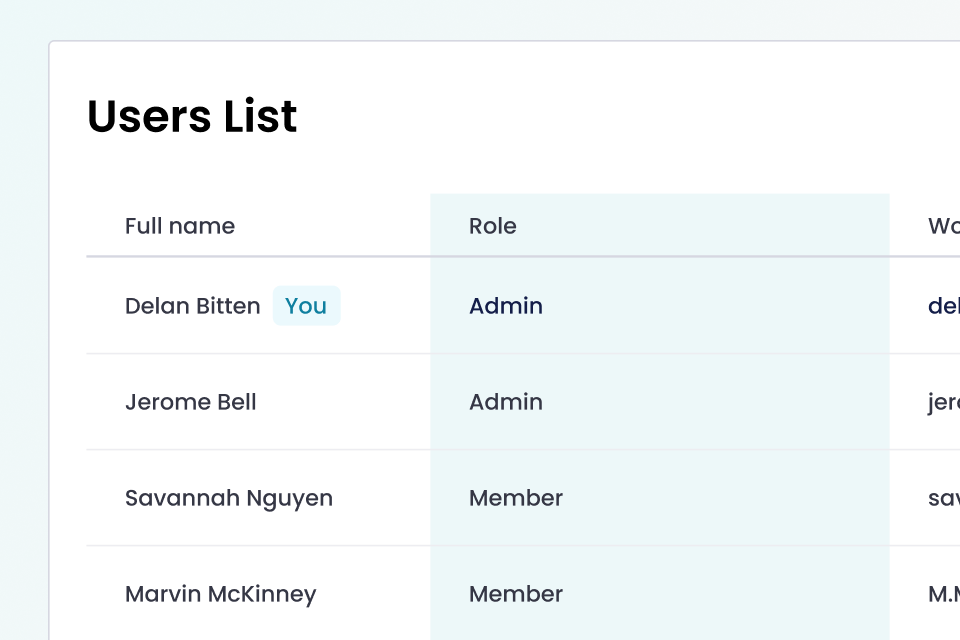
The Konsole user list now includes a Role column, making it clear whether users are admins, verifiers, or pending access.
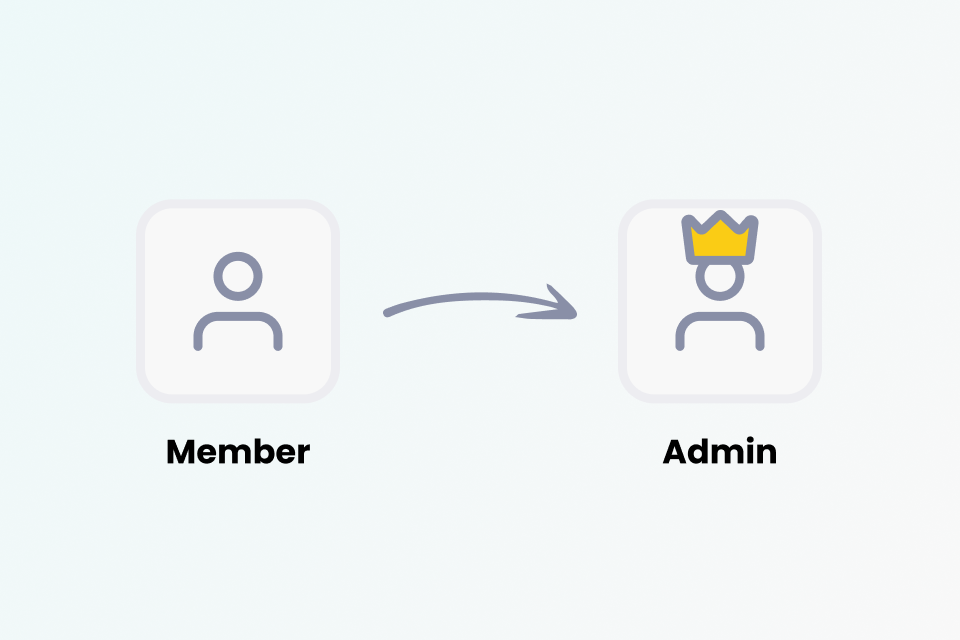
Admins can now promote existing users to admin directly from the Konsole user list, making it easier to manage access and permissions.
Admins can now set the SMS sender name for their organisation, so applicants receive SMS notifications from a recognisable name. If not set, it defaults to Konfir. The sender name supports up to 11 characters.
Users who require admin approval can now see the email address of their organisation’s admin on the approval screen, making it easier to follow up if needed.
Admins can now customise the applicant journey directly in Konsole, applying their organisation’s branding for a more consistent and recognisable experience. This includes the logo, theme and content that applicants will see when completing the journey.
Resolved a problem where some applicants were stuck on the payroll consent page due to the spinner not displaying on the continue button.
Applicants now see a confirmation screen when their bank has been successfully connected.
Income verification now only returns HMRC employments that are current or have income in the current tax year.
The sign in page has been refreshed with an improved design for a cleaner and more consistent experience.
Resolved a problem that caused some applicants to get stuck after submitting their address in the payroll information step.
Applicants are now only asked to provide a single address, with the option to re-enter it if needed.
We’ve made performance improvements to the applicant journey, reducing load times and making the process quicker from start to finish.
Users can now view monthly income amounts directly in Konsole for easier review of verification results.
Applicants who decline consent in the HMRC flow can now retry straight away, with the option to provide a reason and reconnect, instead of waiting for the previous delay.
First-time users now see a guided product tour in Konsole to help them get started with employment verification.