Self employed applicants can now upload documents directly during their journey, with support for all file types and responsive design.
Applicants can now have their completed reference sent directly to their email as a PDF attachment.
Phone numbers can now be entered with or without a leading zero, with automatic formatting to ensure they are processed and validated correctly.
The sign up form now shows a countdown when CAPTCHA verification is about to expire, helping users re-verify in time without losing any entered information.
We resolved an issue whereby, for some generated PDFs, avaialble transaction data was not properly rendering
A new Respond Myself option allows applicants to request a reference for themselves and send it directly to their chosen recipient.
If data hasn't been received from HMRC after the applicant returns from the Government Gateway flow, we will count down a timer and check again after 15 seconds to maximise chance of fetching data, rather than assuming data isn't available from HMRC.
Applicants who have connected HMRC can now trigger a fresh data fetch immediately, improving the reliability of retrieving their information.
The Respond request form now includes a dynamic link to help users navigate to the correct page when creating a request for themselves.
The new employer name field in Konsole now includes autocomplete, making it quicker and easier to select the correct employer.
We've made in-product support more easily discoverable for applicants by adding a clear 'Help' icon present across all screens in the Konfir applicant journey. When clicked, this icon launches our support widget, where applicants can chat to support or browse help center articles. This helps us deliver support more clearly at the point of need, improving verification conversion and improving the applicant experience.
We've added a support widget directly into Konsole. Verifiers can now ask questions, learn about Konfir's capabilities, and speak to a member of our support team without leaving the Konsole.
We've improved the reliability of bank connections for applicants using Safari Private Browsing. Previously a small number of applicants could connect their bank but remain on the connecting screen, meaning their results weren't sent to the verifier. Connections now complete and move the applicant on as expected.
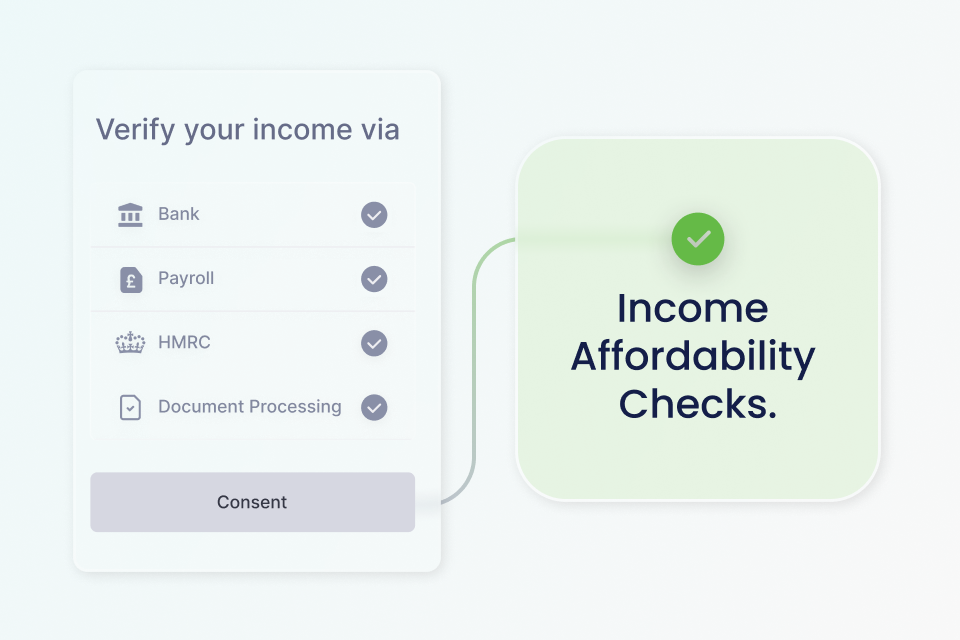
You can now assess whether an applicant’s verified annual income meets a required minimum income threshold using Konfir’s Income Affordability Checks. When enabled and requested with the Affordability object including in your Create Verification request, Konfir evaluates verified income from sources including Open Banking, Payroll and HMRC and returns a clear affordability assessment via the GET Affordability endpoint. To learn more about Affordability Checks and how to enable them for your organisation, please contact product@konfir.com.
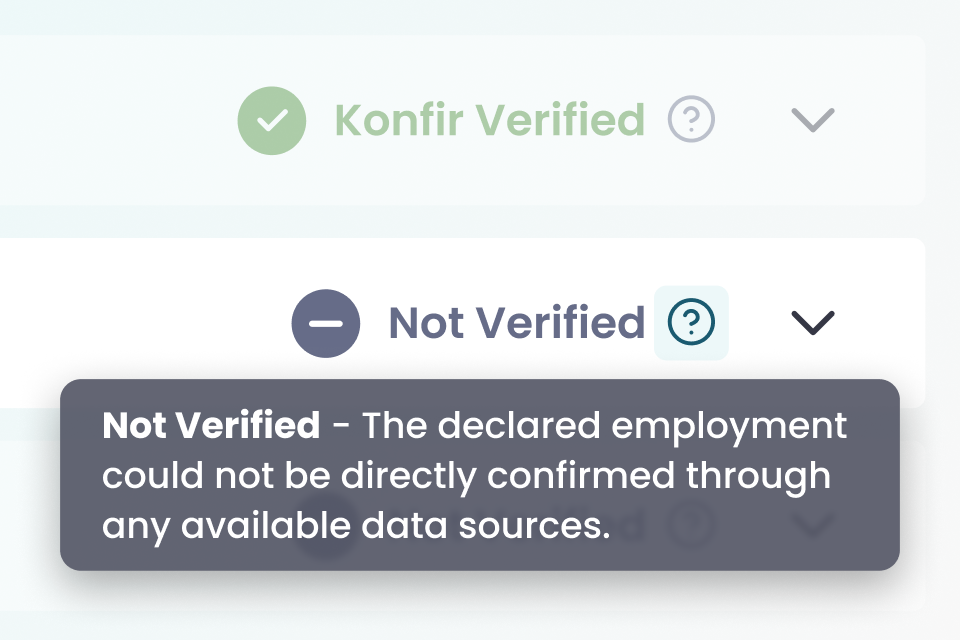
The activity status previously shown as Not connected has been updated to Not verified, with clearer explanations in Konsole to help verifiers understand what the status means and what action to take.
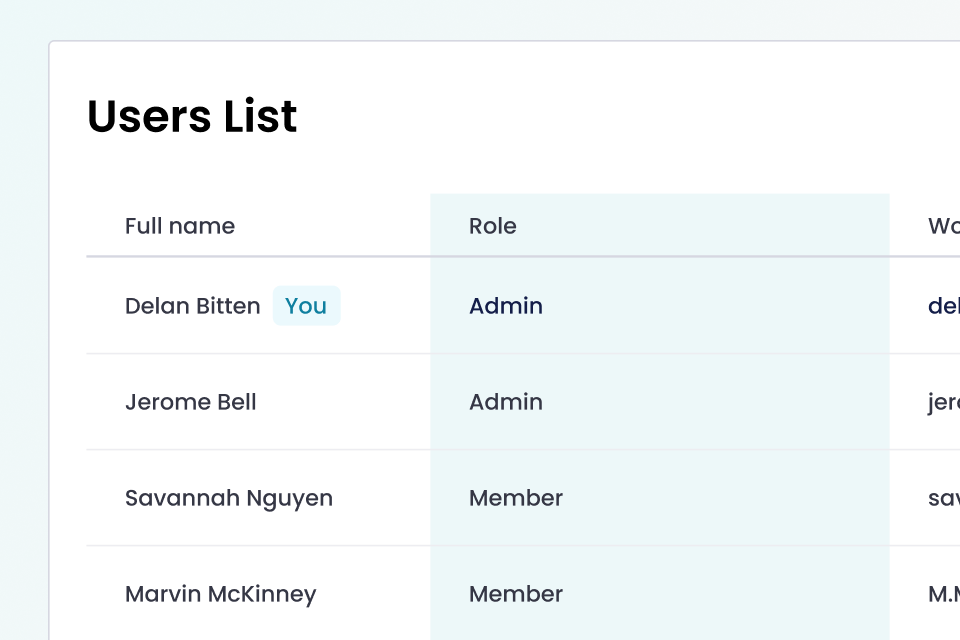
The Konsole user list now includes a Role column, making it clear whether users are admins, verifiers, or pending access.
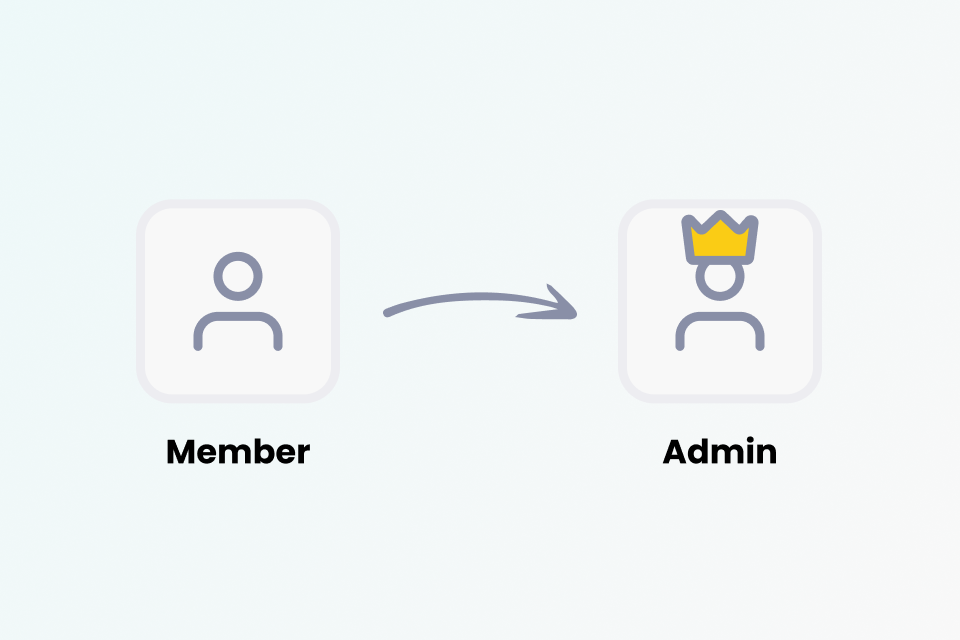
Admins can now promote existing users to admin directly from the Konsole user list, making it easier to manage access and permissions.
Admins can now set the SMS sender name for their organisation, so applicants receive SMS notifications from a recognisable name. If not set, it defaults to Konfir. The sender name supports up to 11 characters.
Users who require admin approval can now see the email address of their organisation’s admin on the approval screen, making it easier to follow up if needed.
Admins can now customise the applicant journey directly in Konsole, applying their organisation’s branding for a more consistent and recognisable experience. This includes the logo, theme and content that applicants will see when completing the journey.